Why Triage only reads your email
Read-only access was a choice we made on day one. Here’s what it means for your inbox, and what it rules out.
 The Triage team
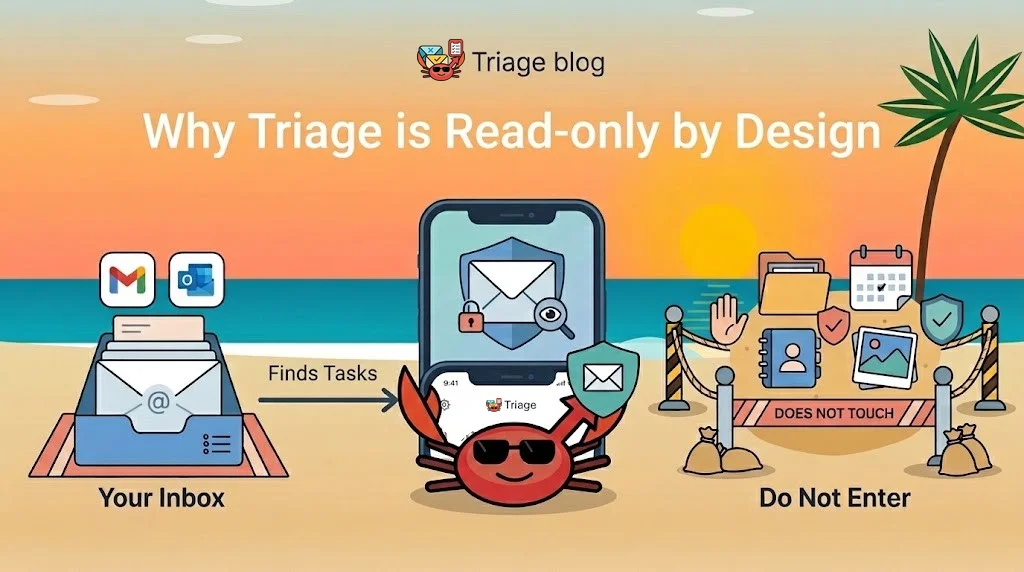
Most email apps ask for the keys to your whole mailbox: read, send, delete, move, label. Triage asks for much less. We decided that before we wrote any code, and it shapes everything else about the app.
What Triage asks for
When you connect Gmail or Outlook, Triage asks for read-only access and nothing more. Google and Microsoft show you exactly that on the permission screen, and it’s all Triage can do with your mail.
Fastmail doesn’t offer a read-only permission, so there Triage has to ask for mail access in general. It still only reads. Nothing in Triage can send, delete or change your Fastmail.
What read-only rules out
Triage can’t archive a newsletter for you, file a receipt or reply on your behalf. We think that’s a fair trade:
- It never sends email as you.
- It never deletes, moves or labels a message.
- It never marks anything as read, so your unread count stays honest.
Your inbox stays exactly as you left it. Triage sits beside it and hands you the emails that need you, as tasks you can schedule, snooze or finish in a tap. Nothing Triage does can lose an email.
What we keep, and what we don’t
A task only needs a little: the sender, the subject, a short preview and a link back to the email. That’s all we store. We never store the full body of your emails, and what we do keep is encrypted with a key that belongs to your workspace before it reaches our database.
Disconnect a mailbox and the tasks made from it are deleted. Delete your account and your data goes with it.
And AI?
Rules and your own habits sort most mail: what you’ve done with a sender’s emails before, and the senders you’ve marked as important. AI help is off unless you turn it on. If you do, your email is never used to train AI models.
You can read the details in our privacy policy. And if you have a question we didn’t answer, write to us at support@triage.rest.